Accounting
Customer invoices, sales documents, reconciliation statements and returns.
Updated:
The Shop → Accounting group gathers the financial documents that accompany orders: the invoices issued to customers, the sales documents, the reconciliation statements with contractors and the returns. There are four separate screens, each one a register with filters by status; the documents are generated from orders and from customer records, they are not written from scratch here. The screens are designed for the Accountant role, but administrators see them as well.
Client Invoices (Debit)
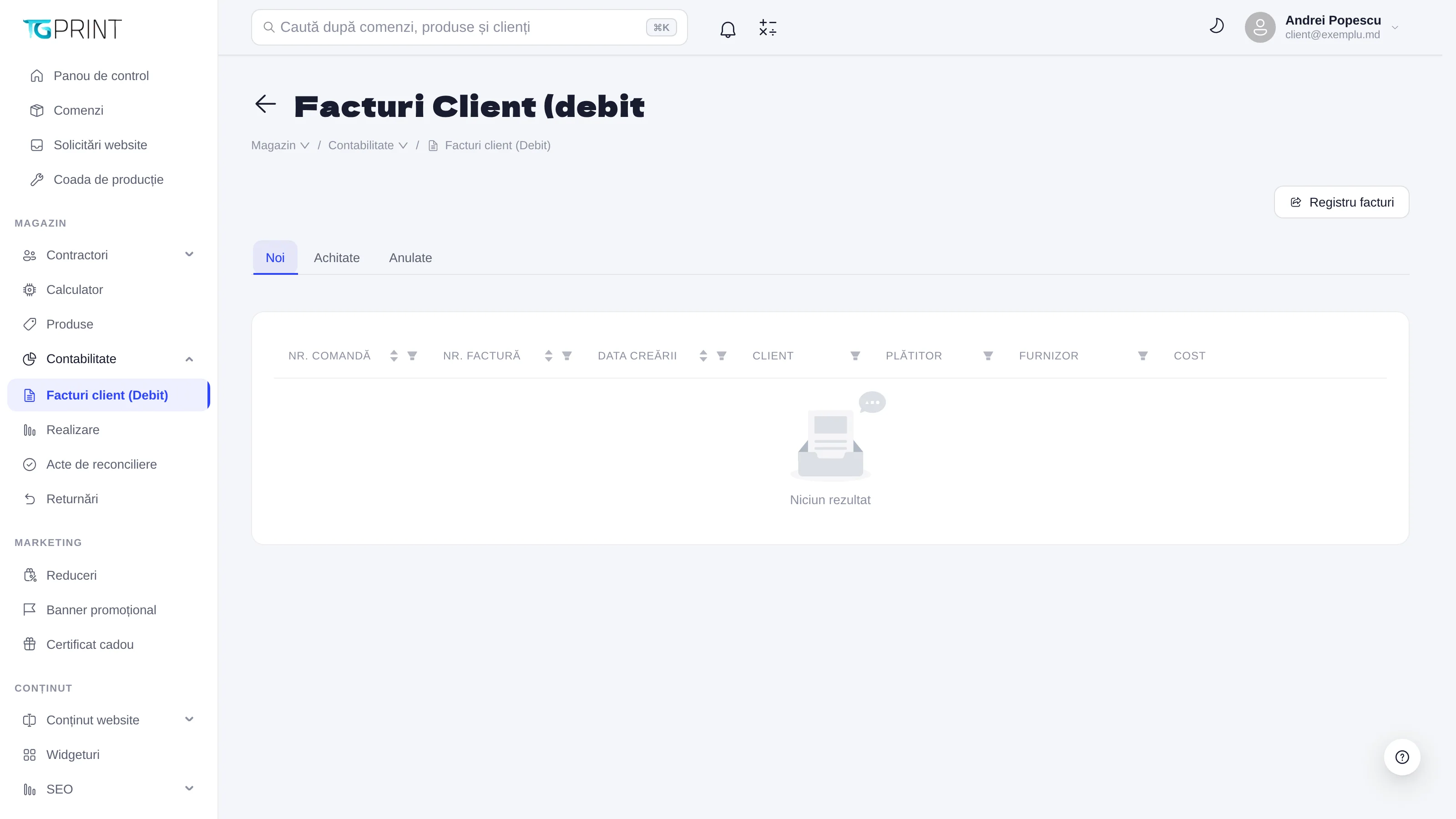
Client Invoices (Debit) is the Invoice Registry of the invoices issued to customers. At the top there are three status filters — New, Paid, Cancelled — and the table shows, for each invoice: Order #, Invoice #, Created Date, Client, Payer (the legal entity the invoice was issued to, when it differs from the customer), Supplier (your company from Settings → Payments → For Legal Entities that issues the document) and Cost.
An invoice appears here once it has been issued from the order page; its status changes together with the payment of the order (Paid) or with its cancellation (Cancelled). In a new store the registry shows No results until the first invoice.
Realization
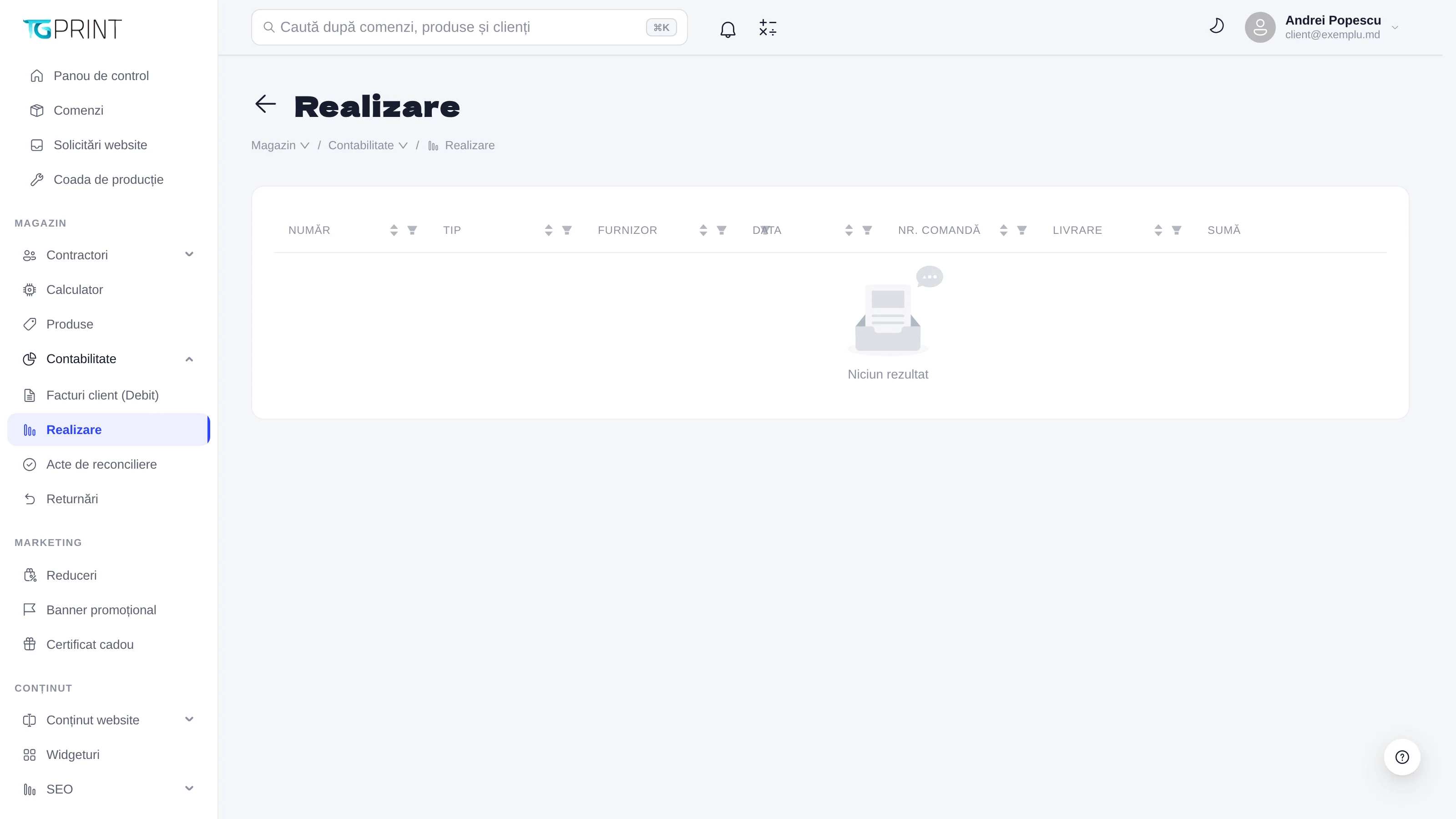
Realization lists the sales documents — the papers that accompany the handover of the goods. The columns are Number, Type, Supplier, Payer, Date, Order #, Shipment and Amount. The document is generated from the order, at handover, and stays linked to the order number, so that you can follow the chain order → invoice → sales document.
Reconciliation Acts
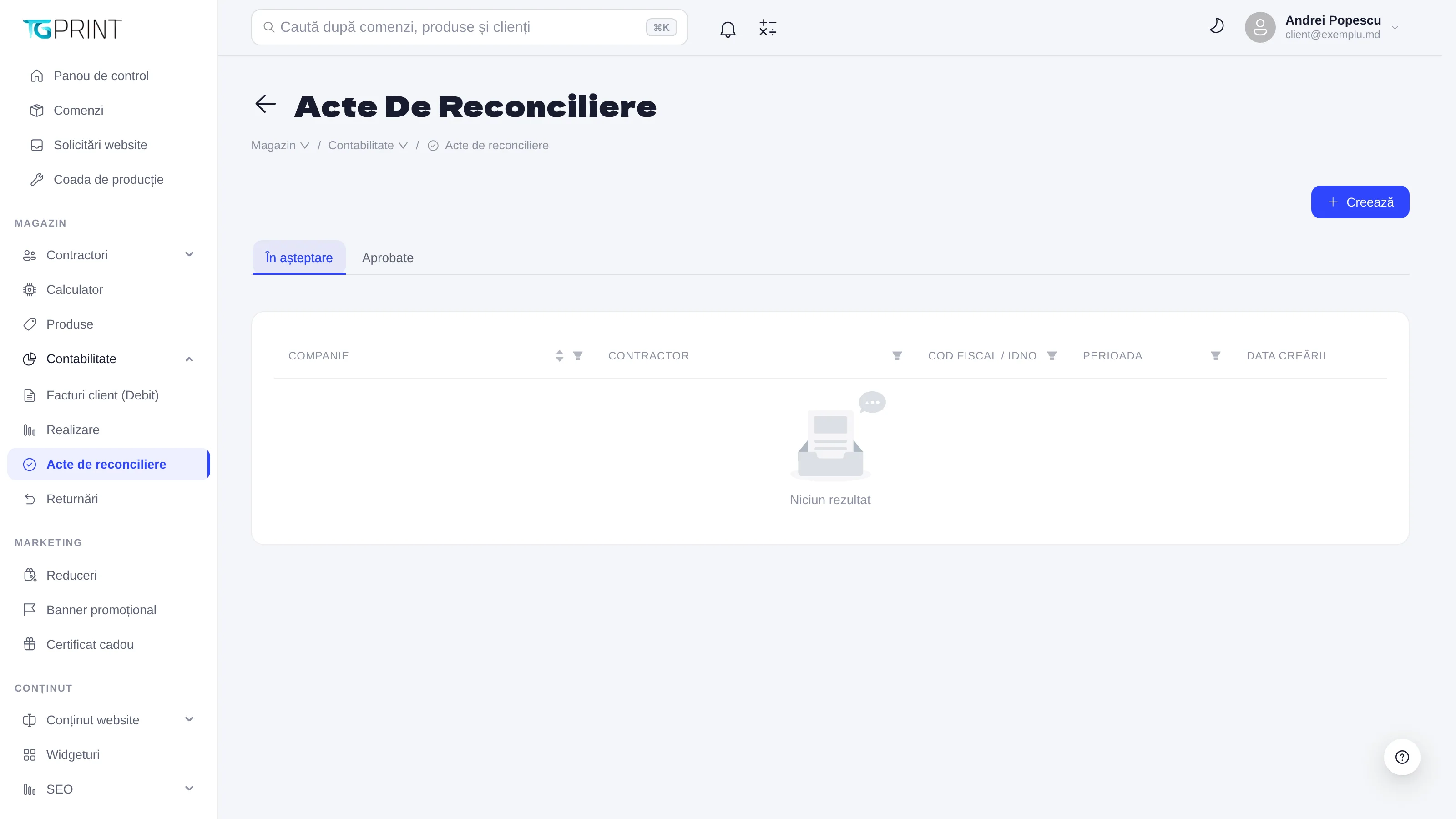
Reconciliation Acts are the documents with which you confirm, together with a contractor (a corporate customer), the balance between you over a given period. Unlike the other registers, here you create the document directly:
- Click Create.
- Choose your own Company (the supplier) and the Contractor — an organization from Shop → Contractors → Organizations; the Tax ID / INN is filled in from its record.
- Choose the Dates the statement is drawn up for.
- Save: the statement appears on the Pending tab until both parties confirm it, then it moves to Approved.
The table shows the Company, the Contractor, the Tax ID / INN, the Dates and the Created Date.
Returns
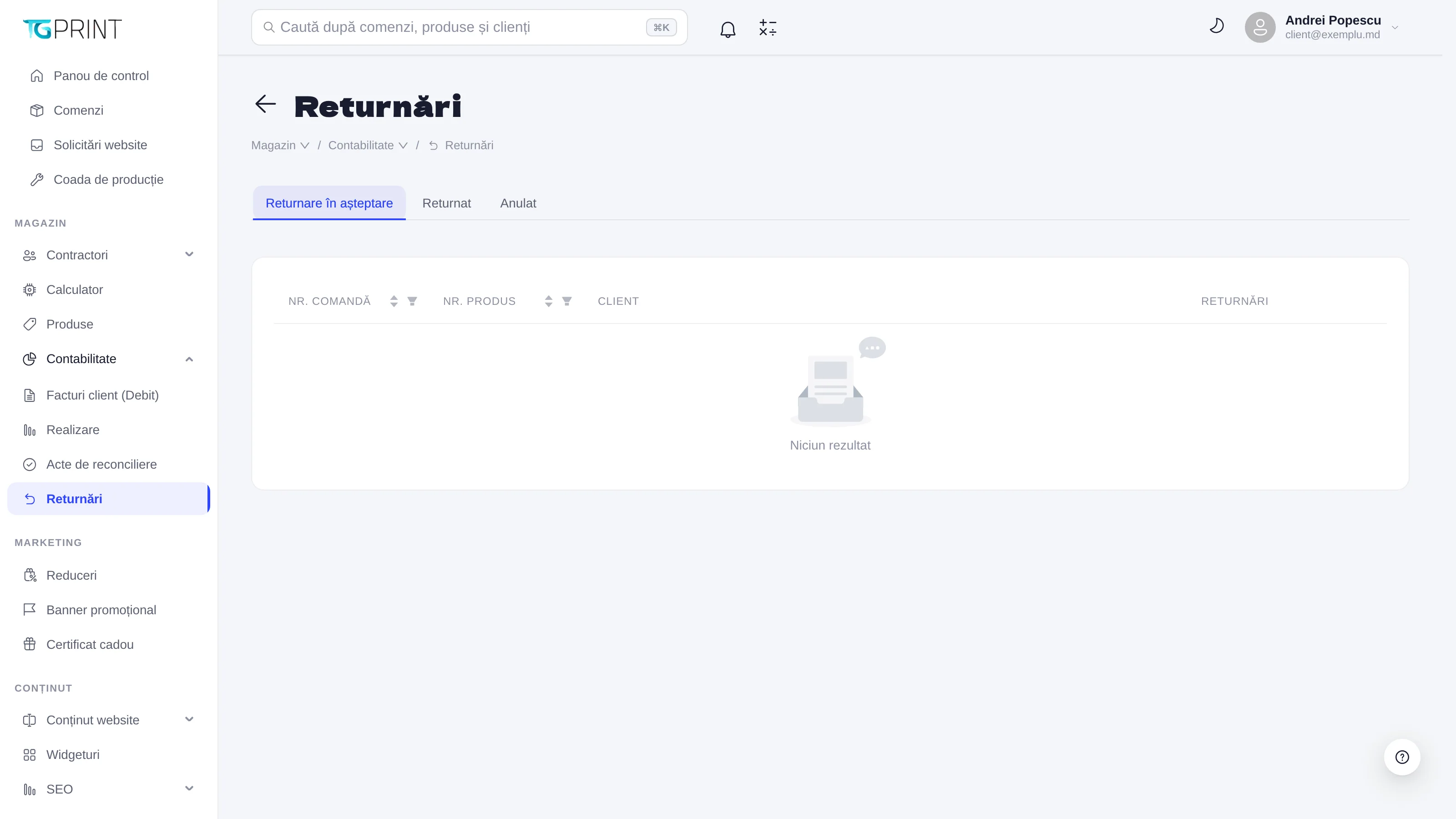
Returns keeps track of the products returned by customers. Each return is registered from the order in question and appears here with Order #, Product #, Client and the Returns detail; the filters at the top — Pending Return, Returned, Cancelled — follow its stage. A completed return is taken into account in the customer's balance.
Note. None of these registers issues fiscal documents by itself: the numbering, the series and the details of the issuing company come from Settings → Payments → For Legal Entities, and the format of the document is the one configured for that company. See Payments.